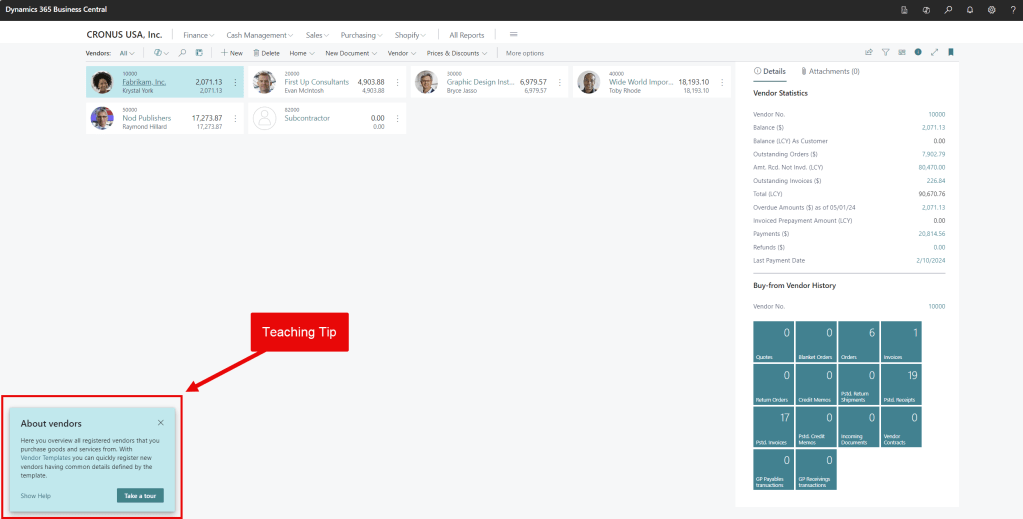
Tips appear on various pages when you first use Business Central. They can be helpful initially but may become annoying as you learn the software. Here’s how to disable them:
- Click the gear icon in the top right of Business Central
- Select ‘My Settings’
- Uncheck the field ‘Teaching Tips’
- Simple as that 😊
Thank you for reading, I hope you learned something new.
As always, stay SAASY my friend.
-Dino
 Business Central Made Easy
Leave a comment