Many users want to know what the ‘Service Charge Acc.’ in the Customer Posting Group is for, so let’s explore it.
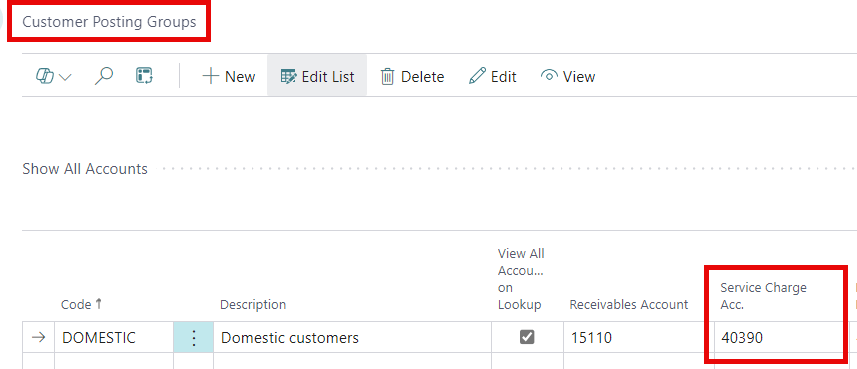
First, set up the ‘Service Charge’ amount on the ‘Cust. Invoice Discounts’ page from the Customer card.
For the School of Fine Art, I will add a $2.00 fee for invoices under $10.00.

Depending on your choice for ‘Calc. Inv. Discount’ in the ‘Sales & Receivables Setup’ page, the service charge will be calculated differently.
If ‘Calc. Inv. Discount’ is on, the charge will be added when posting, if applicable.
If ‘Calc. Inv. Discount’ is off, the posting routine won’t add the charge automatically, so you will need to calculate it manually.
Note: For more information about the other accounts in the Customer Posting Group, please Click Here.
Thank you for reading, I hope you learned something new.
As always, stay SAASY my friend.
-Dino
 Business Central Made Easy
Leave a comment